

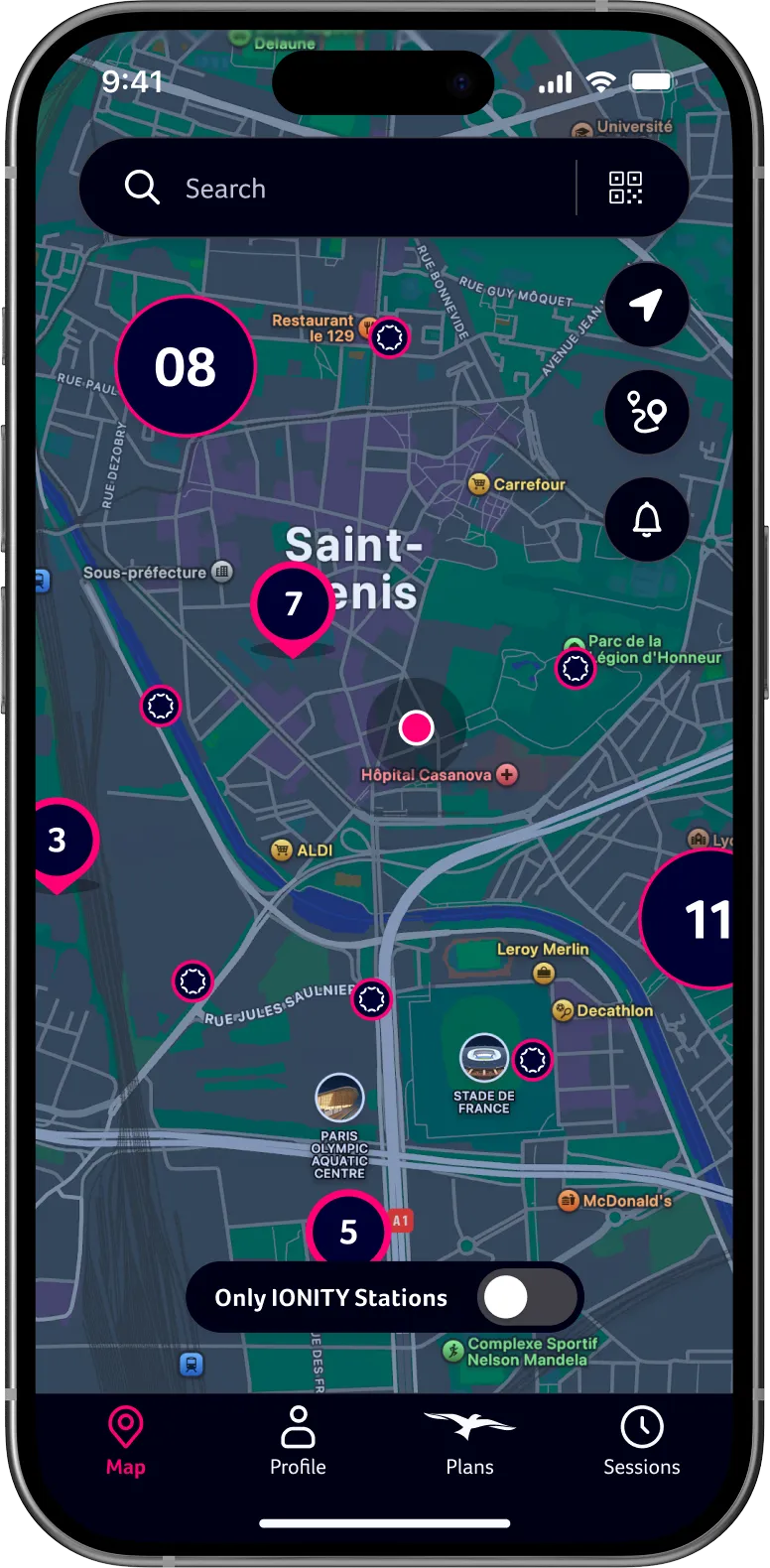

Susipažinkite su savo kelionės pagalbininku.
IONITY programėlė suteikia visas išmaniąsias funkcijas, kad vairavimas elektromobiliu būtų sklandus. Planuokite maršrutus, raskite pakeliui esančias IONITY stoteles, realiuoju laiku stebėkite įkrovimo eigą ir patogiai mokėkite 24 Europos šalyse.


Pasiruoškite. Į vietas. Pirmyn!
Naudodamiesi IONITY programėle, automatiškai mokėsite šiek tiek mažesnę įkrovimo kainą už kWh. Be prenumeratos ir mėnesinių mokesčių.

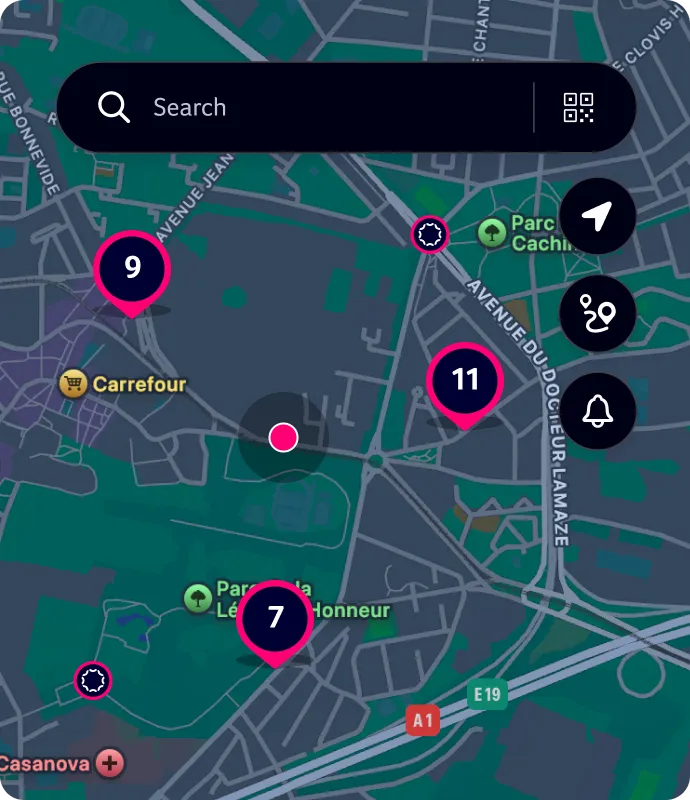
Lengvai raskite įkrovimo vietas
Lengvai raskite konkrečią IONITY įkrovimo stotelę arba automatiškai gaukite rekomendacijų pagal savo buvimo vietą.
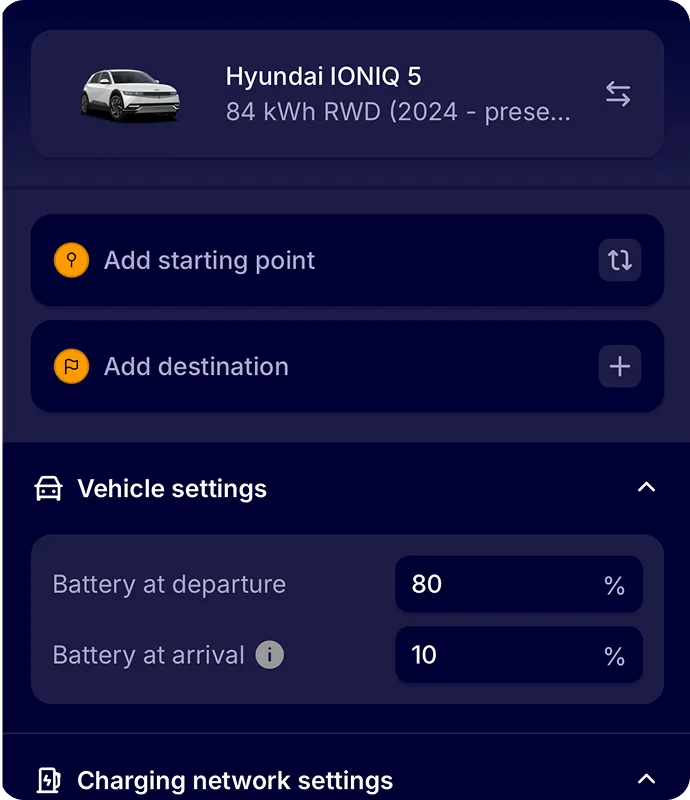
Maršruto planuoklis
Iš anksto suplanuokite kelionę ir perkelkite kasdienius arba artėjančius maršrutus į mėgstamą navigacijos programėlę.
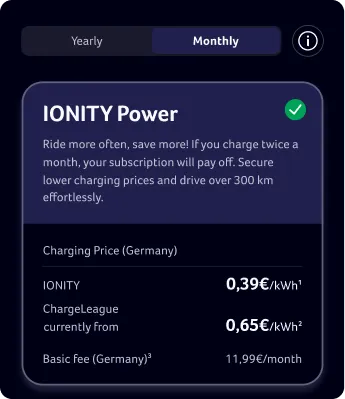
IONITY prenumeratos
Prenumeratos, pritaikytos jūsų gyvenimo būdui, vairavimo įpročiams ir įkrovimo poreikiams. Užsisakykite dabar ir mėgaukitės patraukliomis kainomis už kWh.
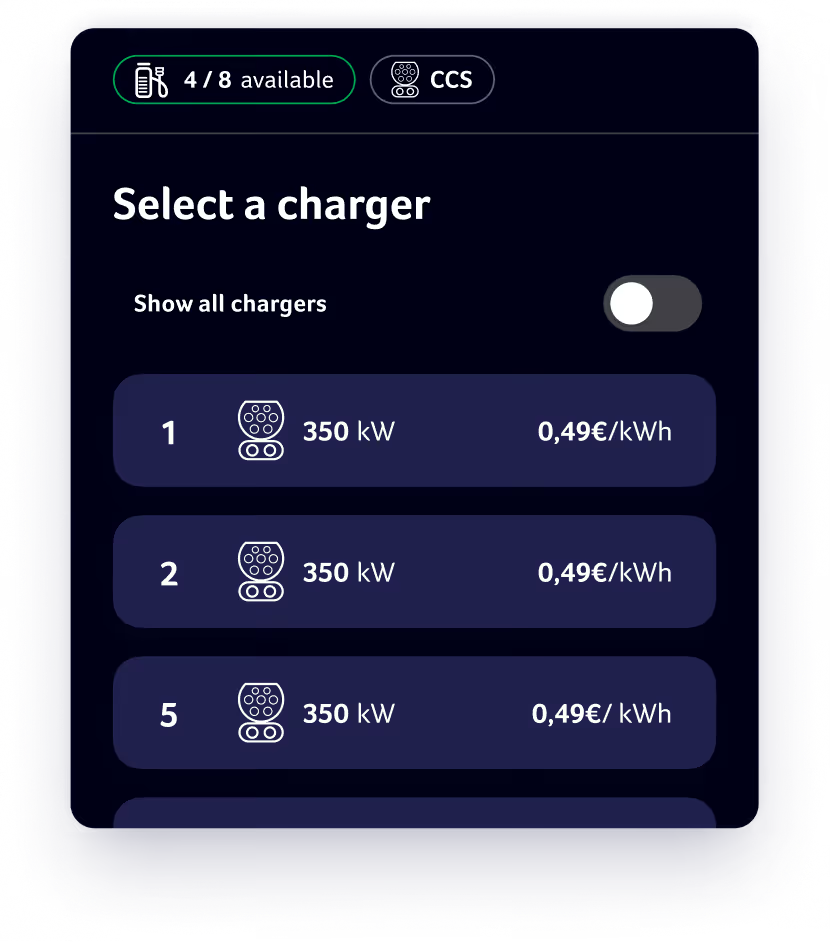
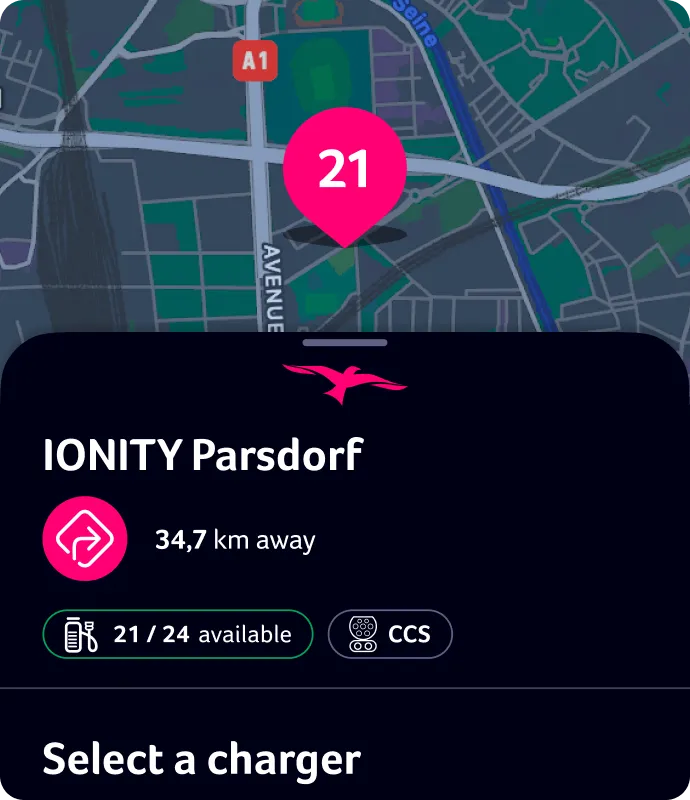
Išsami informacija apie mūsų stoteles
Programėlėje pateiktos nuotraukos leidžia susidaryti vaizdą apie įkrovimo vietą dar prieš atvykstant, o įkrovimo taškų užimtumas rodomas ir atnaujinamas realiuoju laiku.
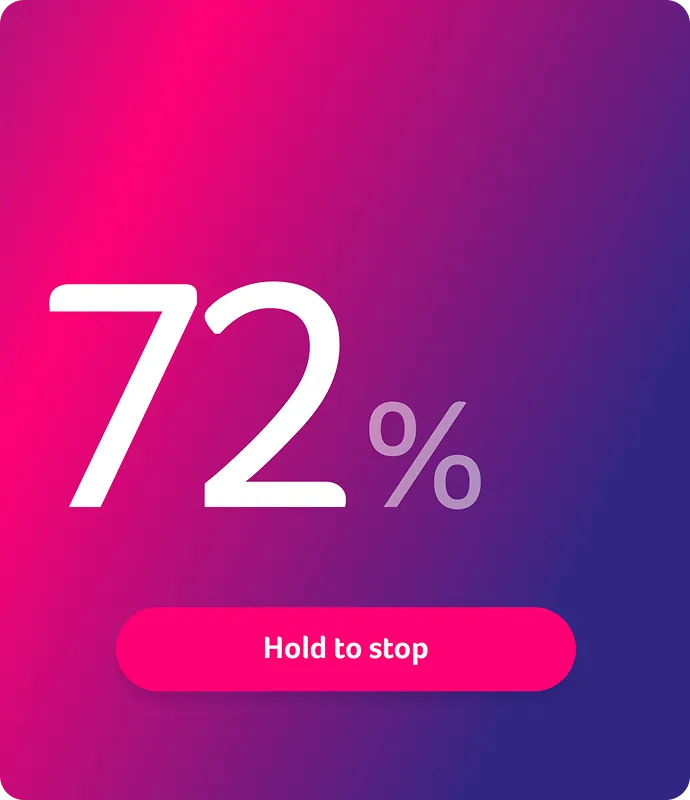
Pradėkite ir užbaikite įkrovimo seansą
Patogiai pradėkite ir užbaikite įkrovimo seansą tiesiog IONITY programėlėje. Pasirinktinai naudokite programėlę, kad nuskaitytumėte ant įkroviklio esantį QR kodą ir pradėtumėte seansą.
Atraskite daugiau programėlės funkcijų

Įkrovimo eigos stebėjimas realiuoju laiku
Stebėkite įkrovimo eigą ir gaukite pranešimą, kai baterija bus įkrauta iki 80%. Tai – idealus įkrovos lygis.

Mokėjimo būdai
Lengvai apmokėkite įkrovimo seansą kreditine kortele, Apple Pay arba Google Pay – jų duomenys saugiai išsaugomi jūsų IONITY profilyje.

Įkrovimo istorija
Peržiūrėkite išsamią informaciją apie įkrovimo seansus IONITY programėlėje ir tiesiogiai atsisiųskite sąskaitas faktūras.
Visiška prieiga prie IONITY.
Užsiregistruokite dabar ir pasinaudokite patraukliomis kWh kainomis su IONITY prenumeratomis.
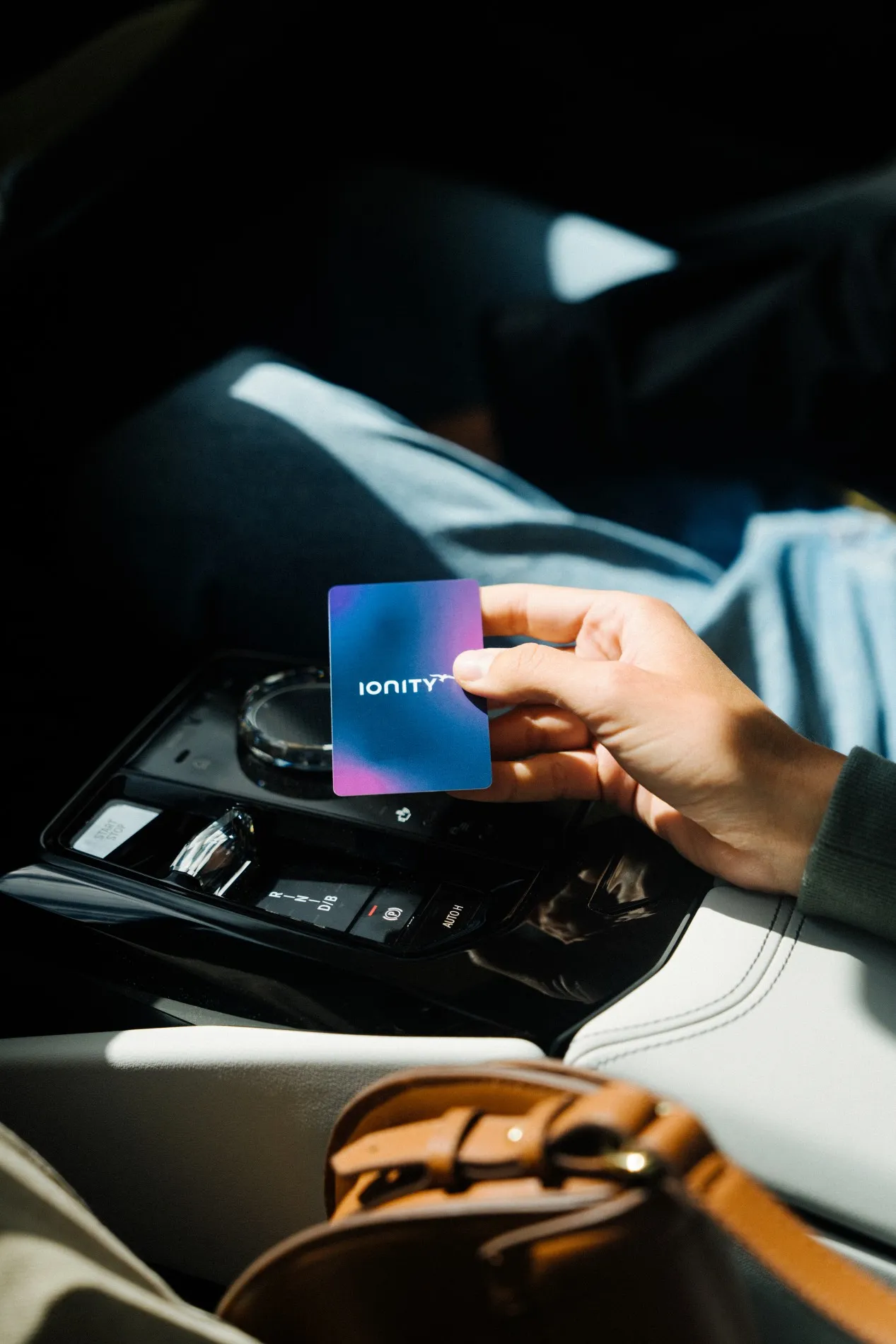
Norite naudoti įkrovimo kortelę?
Nesvarbu, ar kortelę norite naudoti nuolat, ar kaip atsarginį variantą, kai išsikrauna telefono baterija, jūsų IONITY įkrovimo kortelė yra paprasta ir patogi alternatyva įkrovimo seansams pradėti.
Power ir Motion prenumeratoriai ją gali užsisakyti nemokamai, o Go prenumeratoriams ir Direct klientams taikomas nedidelis vienkartinis mokestis. Išsamią informaciją rasite IONITY programėlėje.
Norėdami užsisakyti įkrovimo kortelę, atidarykite IONITY programėlę, eikite į savo profilį, pasirinkite „Įkrovimo kortelė“, tada – „Užsakyti įkrovimo kortelę“. Paskutinis veiksmas – patvirtinti pristatymo adresą ir mokėjimo duomenis, o visa kita atliksime mes!
Dažniausiai užduodami klausimai apie IONITY įkrovimo kortelę
While the IONITY App shows when charging points are available and offers helpful details about our locations, you don’t need the app to charge using the charging card. However, please note that the charging card can only be ordered and managed through the app.
After the card arrives by mail, you’ll need to activate it in just four simple steps:
1. In the App, tap on “Profile”
2. Then navigate to “Charging Card”
3. Here you will find the option to “Activate your charging card”
4. Enter the card number you find on the back of your card and confirm.
You’re all set to go!
Your charging card is accepted at all IONITY charging points. Charging sessions will be billed in the local currency of the country where the charging takes place. You can view the price per kWh for each specific charging site directly in the app.
The price for charging with an IONITY Charging Card is the same as when charging through the app. You can view the charging rates in your subscription details under “Subscriptions” in the app.
Your charging card will be delivered in approximately two weeks.
You can only have one active charging card at a time. If you need a new card (e.g. due to loss or damage), simply cancel your current one in the app and order a replacement.