


Zoznámte sa so svojím spolujazdcom.
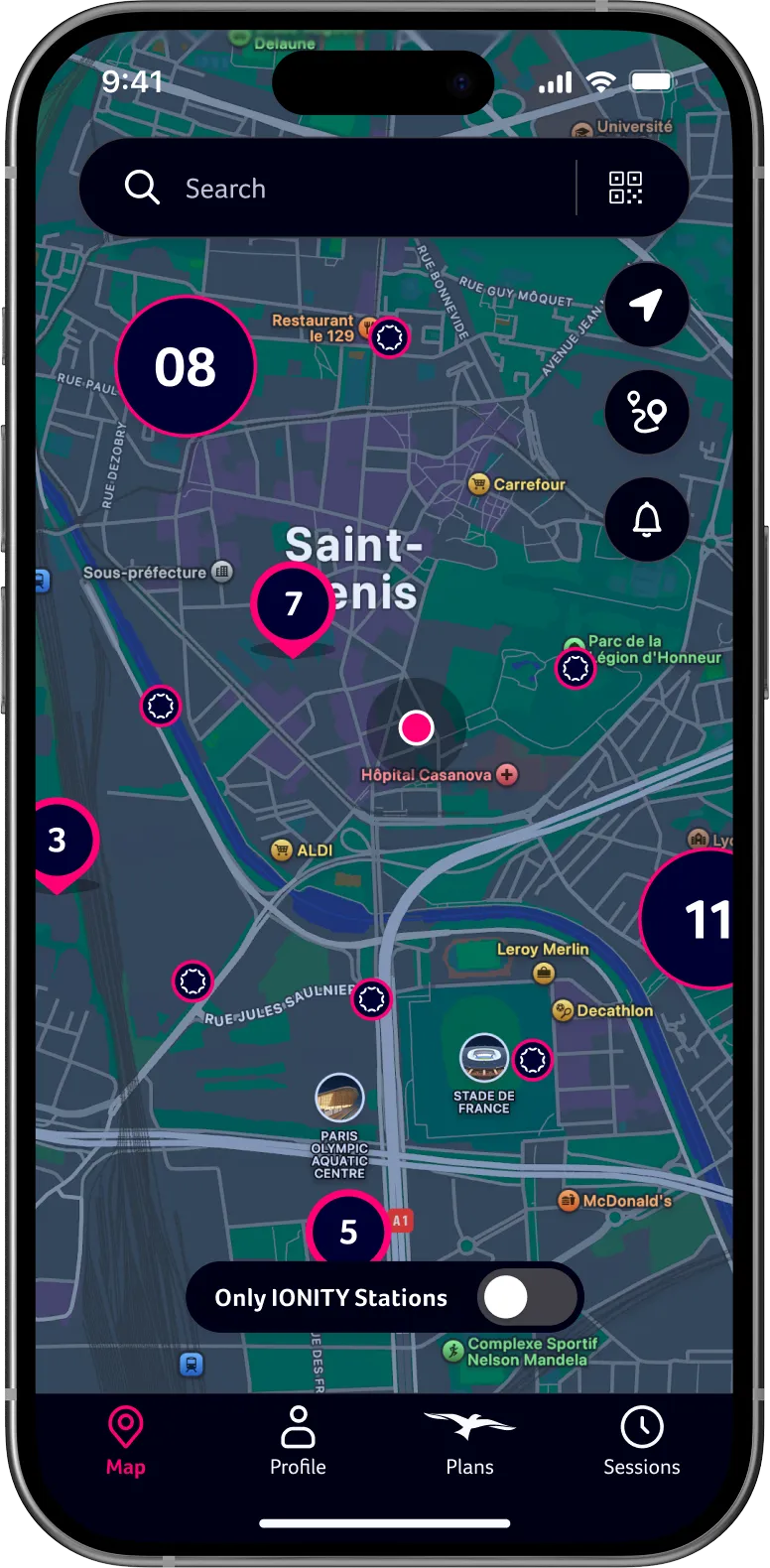
IONITY App vám sprístupní všetky inteligentné funkcie pre pohodlné cestovanie elektromobilom. Plánujte trasy, vyhľadávajte stanice IONITY po ceste, sledujte priebeh nabíjania v reálnom čase a pohodlne plaťte v 24 európskych krajinách.


Pripravení? Tak vyrazte!
S IONITY App automaticky získate o niečo nižšiu cenu za kWh pri nabíjaní. Bez predplatného a mesačných poplatkov.

Nájdite nabíjacie stanice rýchlo
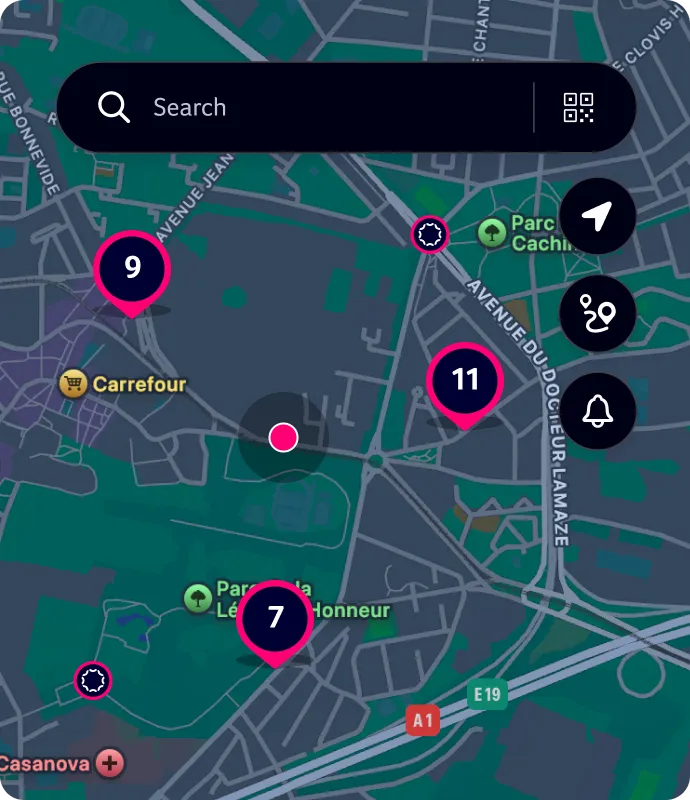
Rýchlo nájdite konkrétnu nabíjaciu stanicu IONITY alebo automaticky získajte odporúčania na základe svojej polohy.
Plánovač trasy
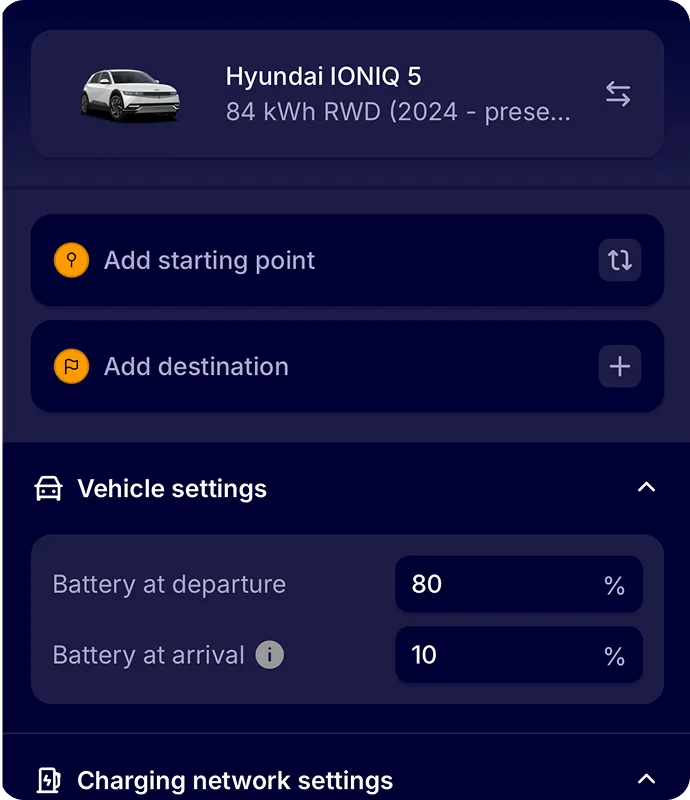
Naplánujte si cestu vopred a jednoducho importujte svoje každodenné alebo nadchádzajúce trasy do obľúbenej navigačnej aplikácie.
IONITY Subscriptions
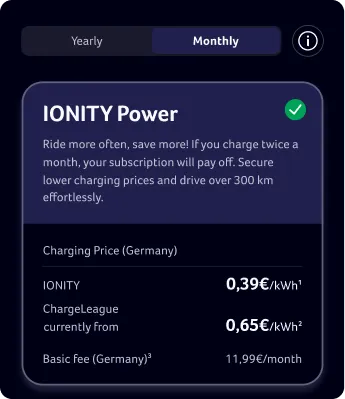
Predplatné prispôsobené vášmu životnému štýlu, jazdným návykom a potrebám nabíjania. Zaregistrujte sa teraz a využívajte veľmi konkurencieschopné ceny za kWh.
Podrobnosti o našich staniciach
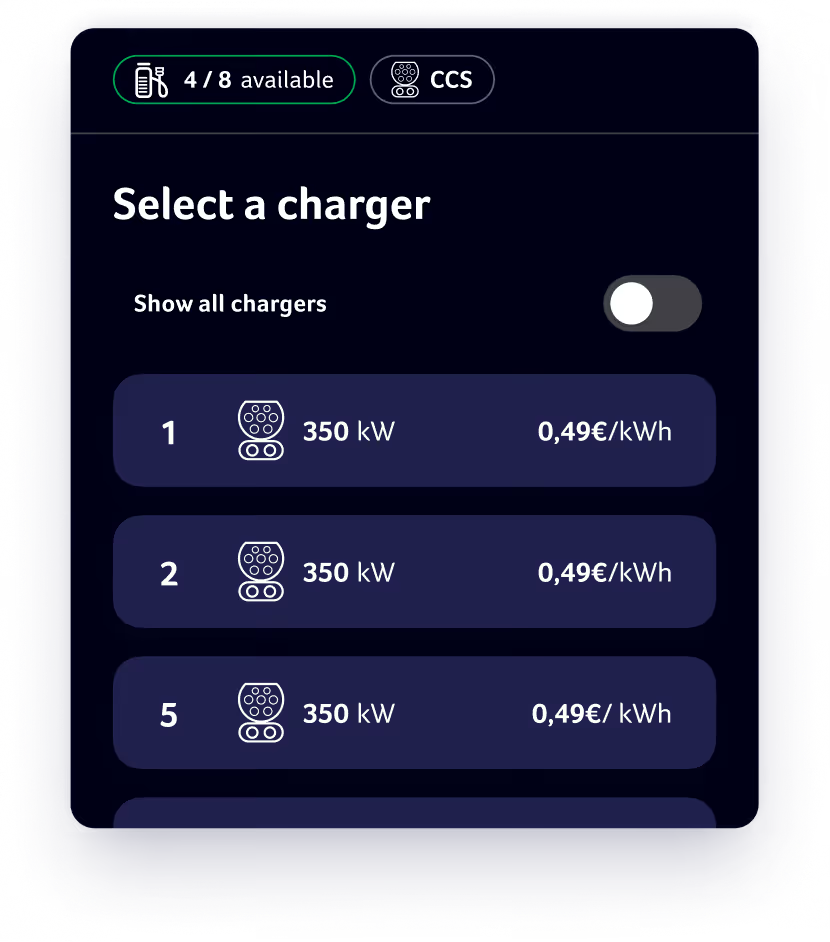
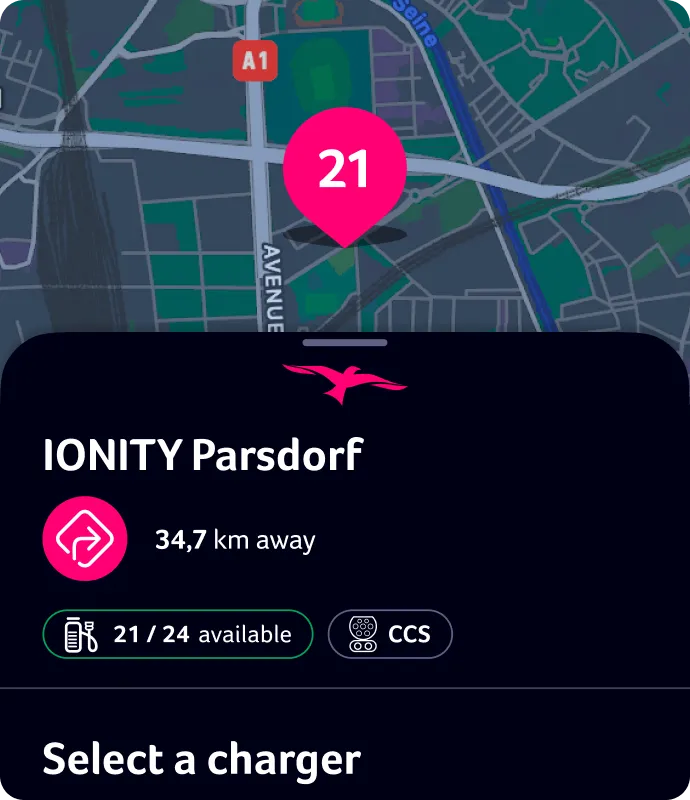
Fotografie v aplikácii vám ešte pred príchodom priblížia dané miesto a dostupnosť nabíjacích bodov sa zobrazuje a aktualizuje v reálnom čase.
Spustite a ukončite nabíjaciu reláciu
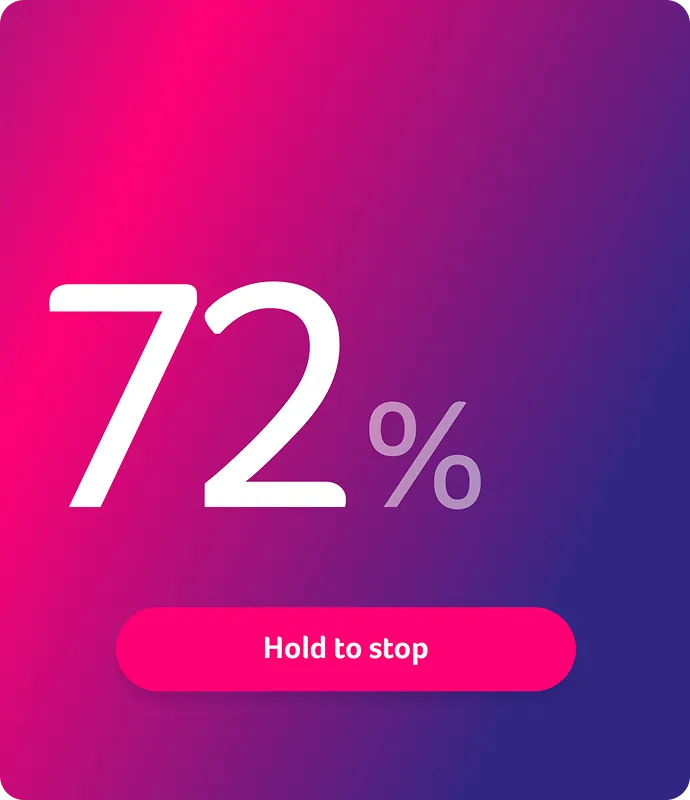
Pohodlne spustite a ukončite nabíjaciu reláciu priamo v IONITY App. Prípadne môžete reláciu spustiť naskenovaním QR kódu na nabíjačke v našej aplikácii.
Objavte ďalšie funkcie aplikácie

Priebeh nabíjania v reálnom čase
Sledujte priebeh nabíjania a po dosiahnutí 80 % kapacity batérie dostanete push upozornenie. Toto je ideálny stav nabitia.

Možnosti platby
Za nabíjaciu reláciu môžete pohodlne zaplatiť kreditnou kartou, službami Apple Pay alebo Google Pay, ktoré sú bezpečne uložené vo vašom profile IONITY.

História nabíjania
Preskúmajte podrobné informácie o svojich nabíjacích reláciách v IONITY App a priamo si stiahnite faktúry.
All access to IONITY.
Sign up now and benefit from attractive prices per kWh with IONITY Subscriptions.
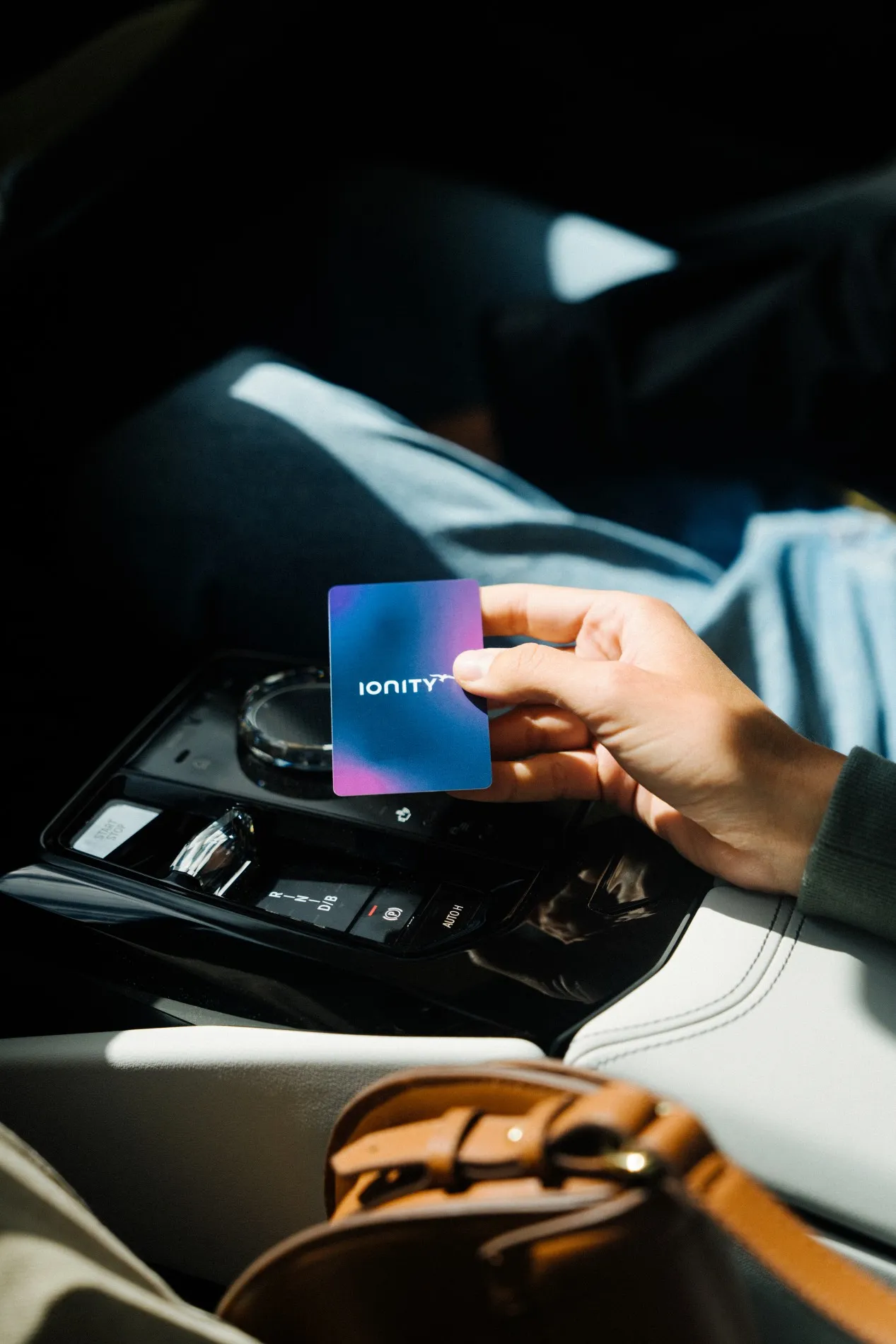
Uprednostňujete nabíjaciu kartu?
Či už ju uprednostňujete používať stále, alebo ako zálohu pre prípad, že sa vám vybije telefón, IONITY Charging Card ponúka jednoduchú a pohodlnú alternatívu na spustenie nabíjacích relácií.
Objednať si ju môžu bezplatne predplatitelia Power a Motion a za malý jednorazový poplatok predplatitelia Go alebo zákazníci Direct. Úplné podrobnosti nájdete v IONITY App.
Ak si chcete objednať nabíjaciu kartu, otvorte IONITY App, prejdite do svojho profilu, vyberte položky "Charging Card" a "Order Charging Card". Nakoniec potvrďte dodaciu adresu a platobné údaje a o zvyšok sa postaráme.
IONITY Charging Card – často kladené otázky
While the IONITY App shows when charging points are available and offers helpful details about our locations, you don’t need the app to charge using the charging card. However, please note that the charging card can only be ordered and managed through the app.
After the card arrives by mail, you’ll need to activate it in just four simple steps:
1. In the App, tap on “Profile”
2. Then navigate to “Charging Card”
3. Here you will find the option to “Activate your charging card”
4. Enter the card number you find on the back of your card and confirm.
You’re all set to go!
Your charging card is accepted at all IONITY charging points. Charging sessions will be billed in the local currency of the country where the charging takes place. You can view the price per kWh for each specific charging site directly in the app.
The price for charging with an IONITY Charging Card is the same as when charging through the app. You can view the charging rates in your subscription details under “Subscriptions” in the app.
Your charging card will be delivered in approximately two weeks.
You can only have one active charging card at a time. If you need a new card (e.g. due to loss or damage), simply cancel your current one in the app and order a replacement.